
How to Prepare a PDK Checklist for MPW Tapeout
Build an MPW PDK worksheet covering process options, authorized access, tool and deck versions, verification evidence and open decisions.
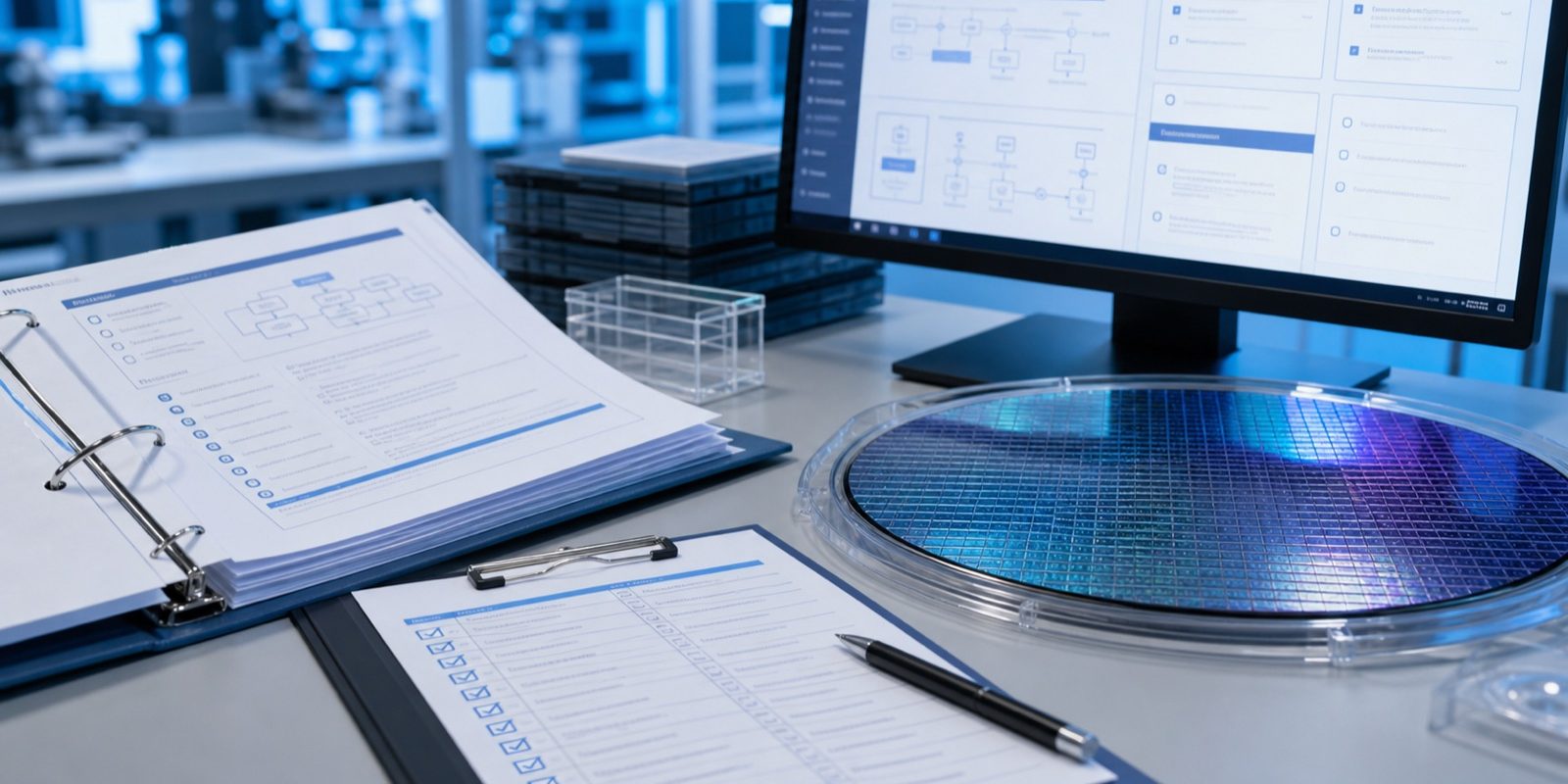
Short answer: prepare for MPW design by identifying the exact process and options, obtaining the authorized PDK, confirming supported tools and verification decks, and recording the release requirements. A folder named “PDK” is insufficient evidence that a project has the right models, rules and permissions for its chosen shuttle.
This tutorial produces a requirements worksheet that a design lead can review before committing to a flow. It does not distribute PDK files or substitute one foundry’s rules for another’s.
Start here: what a PDK contains, the preparation checklist, or the worked version-mismatch exercise.
What is a PDK, and what should you check?
A process design kit connects a fabrication process to an electronic-design workflow. Depending on the process and flow, it can include device models, design rules, layer information, parameterized cells and verification support. Standard-cell, IO, memory or other IP libraries may have separate releases and access conditions. Inventory what your design actually uses; do not assume every library is included with the kit.
Keep four identities separate: the process option, the PDK release, the library release and the verification deck. Matching only the nominal process node leaves the other three unresolved.
Step 1: separate requirements from candidate processes
Start with the circuit, not a process name. List supply and IO domains, device categories, memory needs, analog or RF requirements, metal options, package assumptions and third-party IP. For every item, record why it is needed and who can confirm it. Keep a candidate technology in a separate column until its capabilities have been checked.
For example, “embedded nonvolatile memory is required” is a design requirement; “our candidate shuttle includes that option” is a claim needing confirmation. A node number alone cannot resolve it.
Step 2: confirm the access and version record
- Process name and option set, PDK release identifier and release notes.
- Authorized source, access owner and the agreement that permits the intended use.
- EDA tool versions supported by that release and any additional libraries or licenses.
- Known limitations, required updates and the route’s accepted release window.
EUROPRACTICE describes design-kit access through the appropriate NDA or design-kit agreement. Some public educational flows have different access models. An open kit does not, by itself, establish acceptance for a particular commercial shuttle.
Step 3: fill in the PDK preparation checklist
| Work area | Record to prepare | Question to close |
|---|---|---|
| Circuit simulation | Model release, device options, intended conditions and simulation setup. | Are the chosen devices and analysis conditions supported? |
| Implementation | Library versions, layer map, units, top-cell convention and physical boundary requirements. | Does the layout use the selected process and option set? |
| Verification | DRC/LVS and other required deck revisions, tool versions, reports and exception owners. | Which results does the route accept for signoff? |
| Delivery | Layout format, required companion files, checksum method and approved transfer path. | Can the receiver identify and review the exact release? |
The SKY130 physical-verification documentation and its known-issues list illustrate why a kit’s supported checks and limitations must be read explicitly. Those documents describe SKY130; they do not define another foundry’s signoff requirements.
Step 4: find the mismatch in a worked example
Consider these invented records for a sensor-interface project. The labels are teaching values, not actual foundry releases:
| Item | Recorded state | Next action and owner |
|---|---|---|
| Selected process | Process A with option M; route confirmation pending. | Process contact: confirm the option set in writing. |
| Design environment | PDK R2; IO library L1; accepted combination unknown. | Design lead: check the compatibility record and release notes. |
| LVS evidence | Last report used deck D1 with PDK R1. | Verification owner: establish the accepted R2 setup and rerun affected checks. |
| Package | Package family chosen; pad-map review incomplete. | Assembly owner: review die, pads, package and test needs. |
Your task: can the team mark “PDK ready” because it has a passing LVS report? Identify what the report proves and what remains open.
Check your answer
The report records a result for its R1/D1 setup and identified design inputs. It does not demonstrate the selected R2 setup. Confirm the route and compatible tool/library/deck versions, then retain new evidence for the applicable checks. A successful reference case checks the setup; the final design still needs its own verification.
For your project, copy these fields into a local record: requirement; chosen option/version; evidence location; status; owner; next review date. Use “confirmed,” “awaiting confirmation” or “not checked.” The worksheet is complete when the uncertainties are explicit and assigned; tapeout readiness requires the applicable technical and provider gates.
Use the checklist tool without uploading a design
Open the PDK / Foundry Requirement Checklist and describe the process and project at a non-confidential level. Review its questions against your worksheet. Keep technical files in the authorized project environment; a public planning tool does not need your foundry deck, schematic or netlist.
Before handoff, have a second project owner check the process option, versions and unresolved items against the current route requirements. Revisit the record when the PDK, library, toolchain or design scope changes.
Continue the MPW tutorial
- MPW fundamentals and the project brief.
- Next: prepare the GDS/DRC/LVS handoff.
- Resolve packaging and test assumptions early.
Technical review: 17 September 2026. This is a preparation method, not foundry authorization or a signoff decision. The selected program’s current requirements control acceptance.
Pain point: the same process name hides different PDK versions
Ask each contributor for the exact process option, metal stack, PDK release, library/IP release, extraction setup, rule-deck revision and supported EDA version. “Latest PDK” cannot identify the environment that produced a report. Resolve incompatible versions with the provider before combining layout and verification outputs.
- Create an environment manifest from approved release identifiers and the provider’s compatibility requirements.
- Associate every verification report with its layout hash and that environment.
- When a component changes, list which downstream checks must be repeated and assign the decision to its engineering owner.
- Before transfer, compare the frozen candidate with the reports and obtain the required review record.
The handoff handbook and runnable teaching pack illustrate version mismatches using fictional PDK labels. No foundry technology files are supplied. Use PDK Checklist to organize access and deliverables; confirmation remains provider-specific.
Related Articles


Ready to plan your MPW and first-silicon path?
Start with a non-confidential brief covering node/process fit, schedule, first-silicon validation, packaging/test, sample handling or re-spin needs. MST routes the request for review; feasibility, availability, timing and quotation are confirmed case by case.