- →How to compare the workflows
- →Inputs for a bounded pilot
- →What NeuroBox D does and does not claim
- →Primary vendor sources
- →What to prepare before contacting MST
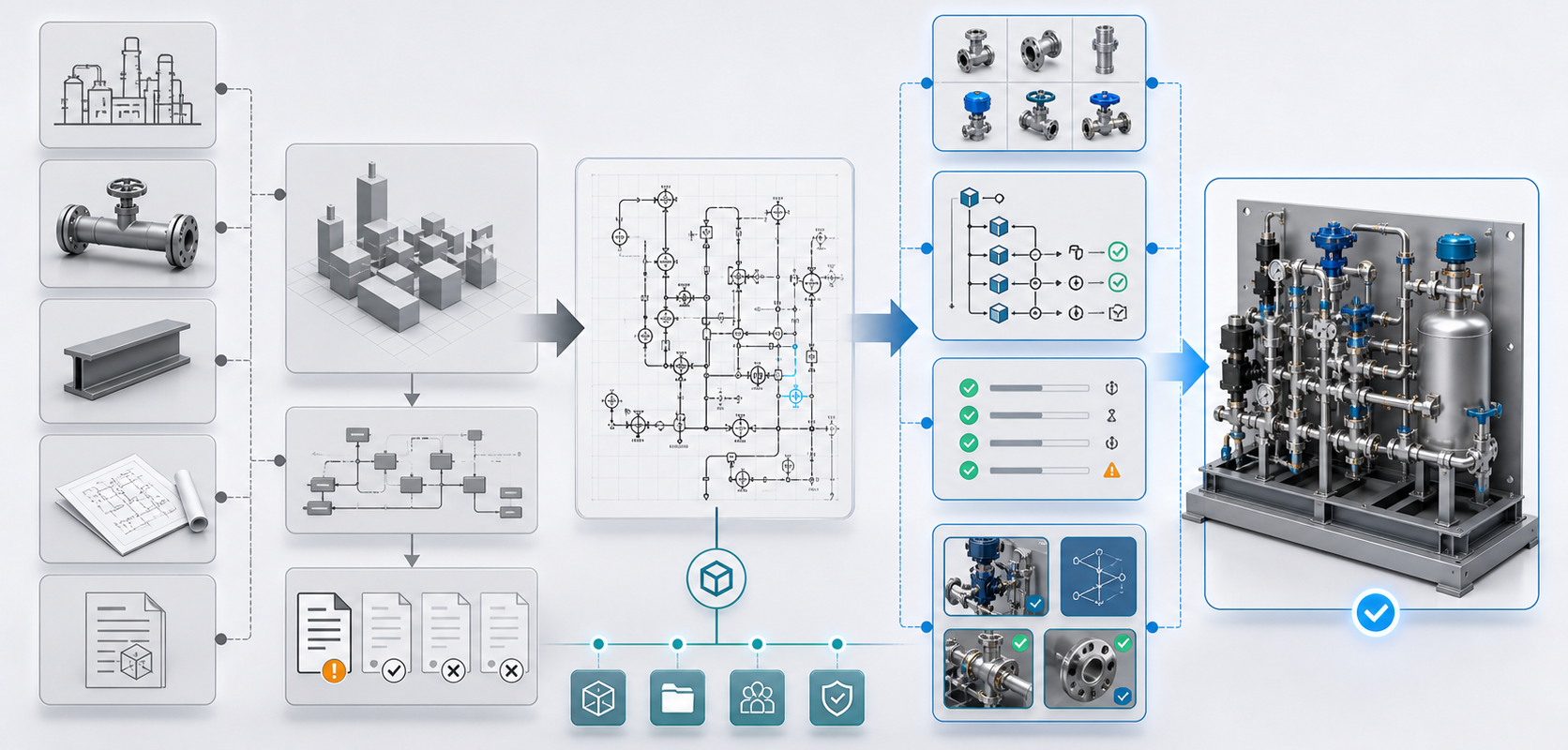
Short answer: NeuroBox D, Smap3D and SOLIDWORKS generative capabilities should be compared by workflow boundary, required source data, native-CAD handoff and engineering review—not by a single winner label. NeuroBox D is scoped around reviewable P&ID-to-native-SOLIDWORKS assembly proposals using customer part-library and rule context. Smap3D publicly presents an integrated P&ID, Piping and Isometric workflow. SOLIDWORKS publicly presents AI and generative assistance across several design activities. The appropriate route depends on the customer’s actual process and acceptance criteria.
Source boundary: Based on publicly available vendor documentation reviewed on 2026-08-09. Product capabilities and availability may change; MST has not independently tested every competitor workflow.
How to compare the workflows
| Decision area | NeuroBox D scope | Smap3D public positioning | SOLIDWORKS public positioning |
|---|---|---|---|
| Starting information | P&ID intent, tags, BOM context, customer parts and review rules for a bounded pilot. | P&ID data within an integrated plant-design workflow. | Part, drawing, assembly and other design context depending on the selected SOLIDWORKS capability. |
| Primary workflow question | Can the inputs support a reviewable native SOLIDWORKS assembly proposal with traceable exceptions? | How should P&ID, piping and isometric work be connected in the provider’s workflow? | Which current design and generative assistance capabilities apply to the user’s SOLIDWORKS task? |
| Customer-specific context | Part-library policy, symbol mapping and engineering rule context are explicit pilot inputs. | Configuration and integration should be confirmed with the provider for the intended deployment. | Availability and behavior depend on the SOLIDWORKS product, release and documented feature scope. |
| Release responsibility | Customer engineers retain geometry, safety, manufacturability, compliance and final approval. | Customer and qualified engineering review remains necessary for project output. | Customer and qualified engineering review remains necessary for project output. |
Inputs for a bounded pilot
- A non-confidential representative P&ID and target module boundary.
- SOLIDWORKS version, desired assembly structure and current authoring workflow.
- Part-library status, BOM fields, tag conventions and relevant review rules.
- A small acceptance set that lets engineers compare mapping, editability, exceptions and review effort.
What NeuroBox D does and does not claim
NeuroBox D is evaluated as an Engineering AI workflow for preparing a native assembly proposal from structured engineering context. It does not remove qualified engineering review and does not certify safety, manufacturability, standards or regulatory compliance. Pilot timing and output are agreed case by case after input readiness is understood.
Primary vendor sources
- Dassault Systèmes: generative experiences and virtual companions
- SOLIDWORKS: current What’s New overview
- Smap3D: P&ID product overview
- Smap3D: integrated product overview
What to prepare before contacting MST
Start with a non-confidential sample P&ID, part-library status, target CAD version, applicable specifications and review criteria. MST will scope a bounded pilot; timing, output and acceptance criteria are agreed case by case.
Request a workflow-fit review or use the P&ID Assembly Intake Checklist.
Review P&ID-to-native-SOLIDWORKS assembly scope
Check whether your P&ID, BOM, part library, interface rules and spatial constraints are ready for a reviewable native assembly workflow.
Open NeuroBox D page →