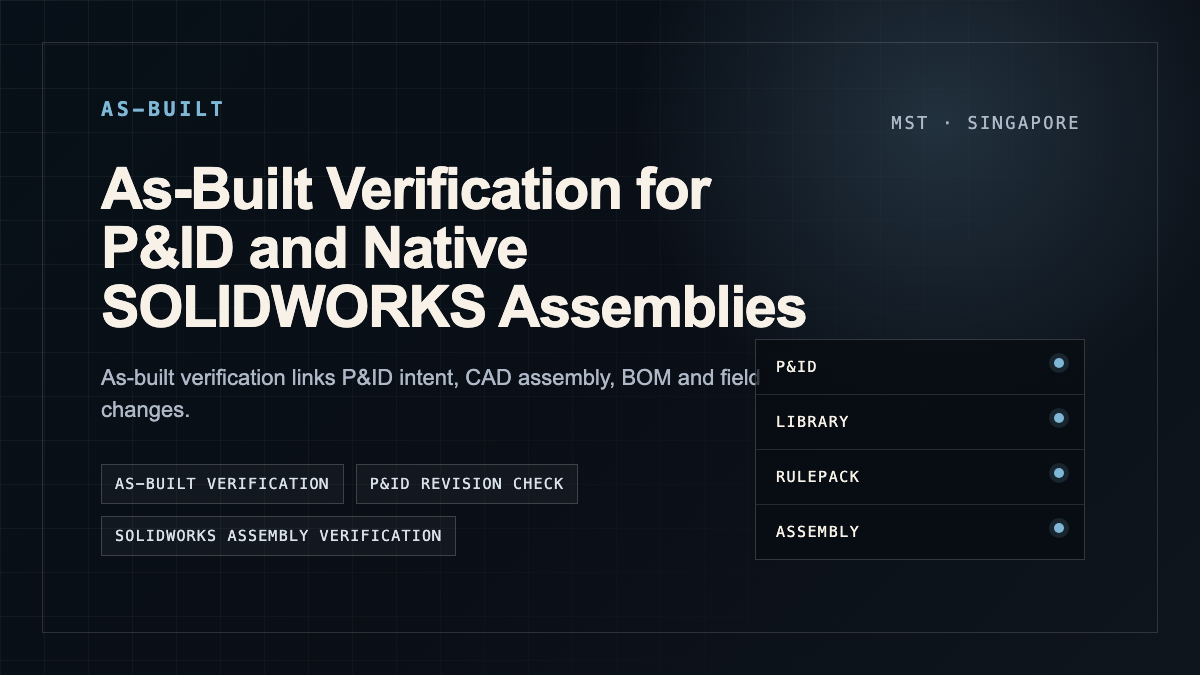
As-Built Verification for P&ID and Native SOLIDWORKS Assemblies
How engineering teams can compare P&ID intent, generated assembly, revision history and as-built reality without exposing core IP in the first conversation.
- →What engineers should clarify first
- →Why native assembly helps
- →Verification is a workflow, not a screenshot
- →Use redacted evidence first
- →How this connects to MST
Answer-first summary: As-built verification links P&ID intent, CAD assembly, BOM and field changes. For AI-assisted assembly workflows, the verification plan should define which tags, components, routes, mates, clearances and revision deltas must be checked by the customer engineering team.
A generated assembly is not useful if it cannot survive review against the real system. As-built verification is the discipline that asks whether what was designed, built and documented are still the same system.
What engineers should clarify first
| Verification layer | Question | Typical artifact |
|---|---|---|
| P&ID intent | What was supposed to be connected and controlled? | P&ID, legend, line list, instrument index |
| CAD assembly | What was modeled? | Native SOLIDWORKS assembly, feature tree, mates, BOM |
| Revision delta | What changed? | DrawingDiff report, change log, old/new BOM |
| As-built record | What was actually installed? | Inspection notes, photos, redlines or field markup |
Why native assembly helps
A native assembly keeps more editable structure than a static exchange file. Feature tree, mates and part references make it easier to inspect how the model was built and where a change should occur.
Verification is a workflow, not a screenshot
A useful pilot should define the checks before generation: tags, part mapping, connection rules, service clearances, known exceptions and what evidence the customer wants to see.
Use redacted evidence first
For early scoping, use anonymized drawings, part-family examples and synthetic assemblies. Move to real files only after the review path and confidentiality boundary are agreed.
How this connects to MST
For verification pilots, define the exact evidence package and approval owner before running automation. MST uses this article as an intake guide, not as a promise of partner access, compliance certification, fixed sample count, fixed pricing, or automatic production approval.
FAQ
Can as-built verification use photos?
Photos can help, but reliable verification usually needs drawings, BOM, CAD and inspection context.
Is this the same as drawing diff?
Drawing diff is one input. As-built verification also checks model, BOM and physical-state evidence.
Who signs off the result?
The customer engineering team. AI can prepare and flag, but it should not replace the approval authority.
Public references for engineering context
Need a native SOLIDWORKS assembly?
Send the P&ID scope, part-library expectations, rulepack boundary and target assembly output. MST reviews whether the case is suitable for native assembly generation with feature tree, mates and BOM context.