P&ID vs 3D Model Check: Design Rule Validation Before SOLIDWORKS Review
How P&ID intent, BOM context and 3D assembly geometry should be cross-checked before a SOLIDWORKS assembly proposal reaches engineering review.
- →What engineers should clarify first
- →Validation should be visible
- →DrawingDiff as the adjacent workflow
- →Do not hide exceptions
- →How this connects to MST
Answer-first summary: A P&ID-to-3D workflow is only useful if it can check intent against output. Important checks include tag completeness, component mapping, connection continuity, BOM identity, flow-path grouping, service clearance and rulepack exceptions.
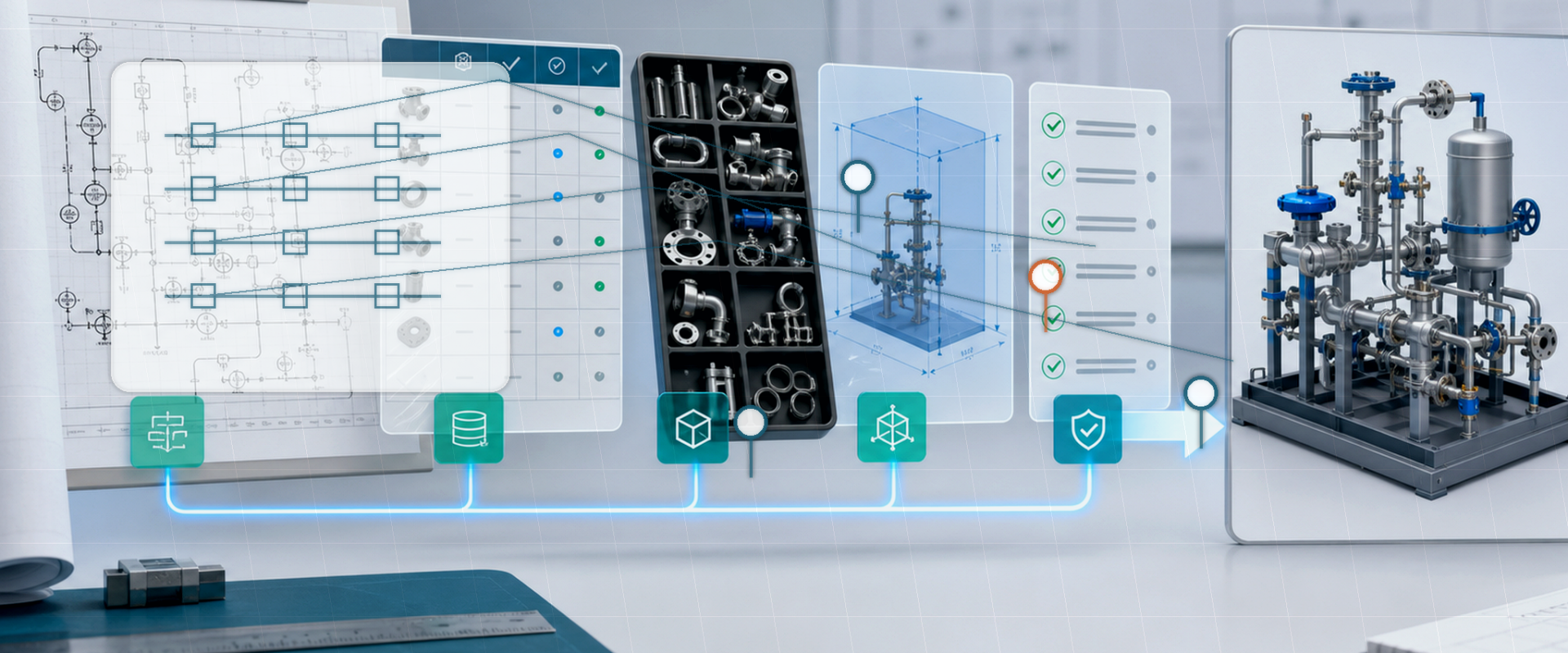
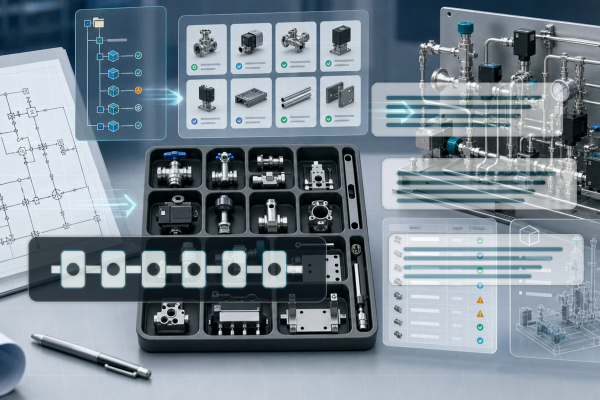
Generating a 3D assembly is only half the problem. The harder question is whether the assembly still matches the P&ID and the customer rulepack. A check layer should compare symbols, tags, BOM items, connections and geometry before the review package is accepted.
What engineers should clarify first
| Check | What it catches | Evidence needed |
|---|---|---|
| Tag completeness | Missing instruments, valves or line IDs | P&ID tag index and extraction report |
| Part mapping | Wrong or missing customer-library item | BOM, part master and mapping table |
| Connection continuity | Broken or impossible path | Graph of ports, fittings and tube routes |
| Service clearance | Assembly that cannot be maintained | 3D envelope checks and exception screenshots |
Validation should be visible
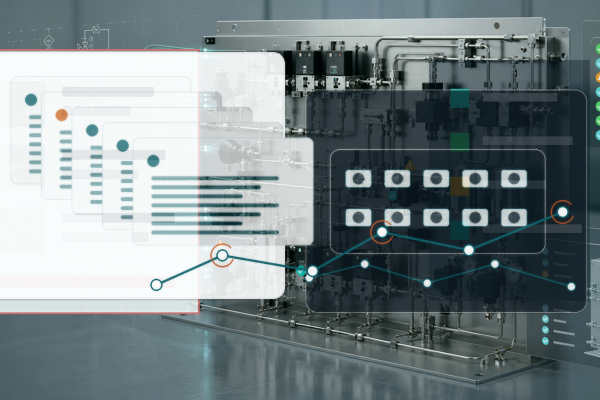
Engineers need to see why the AI proposed a component or route. A black-box assembly is hard to trust; a reviewable package with exceptions is easier to accept.
DrawingDiff as the adjacent workflow
Drawing comparison and P&ID-to-3D validation belong together. Revision changes, mismatched tags and missing BOM context can be detected before they become shop-floor rework.
Do not hide exceptions
Professional automation should flag uncertainty. Missing legends, ambiguous symbols, incomplete BOMs and conflicting rules should become review tasks, not silent guesses.
How this connects to MST
Ask for a review package that includes the assembly proposal and the exception report, not only a model file. MST uses this article as an intake guide, not as a promise of partner access, compliance certification, fixed sample count, fixed pricing, or automatic production approval.
FAQ
What is the difference between generation and validation?
Generation proposes the assembly. Validation checks whether that proposal matches the P&ID, BOM and rulepack.
Can validation be fully automatic?
No. The workflow can reduce manual checking, but final engineering acceptance stays with the customer.
What makes a good pilot case?
A representative P&ID, known part library, BOM sample, and a clear list of rules that the output must satisfy.
Public references for engineering context
Need a native SOLIDWORKS assembly?
Send the P&ID scope, part-library expectations, rulepack boundary and target assembly output. MST reviews whether the case is suitable for native assembly generation with feature tree, mates and BOM context.